After experimenting and creating the assets in Photoshop I was then ready to start putting the cards together which I did in InDesign.
Blank Card - Cupcake
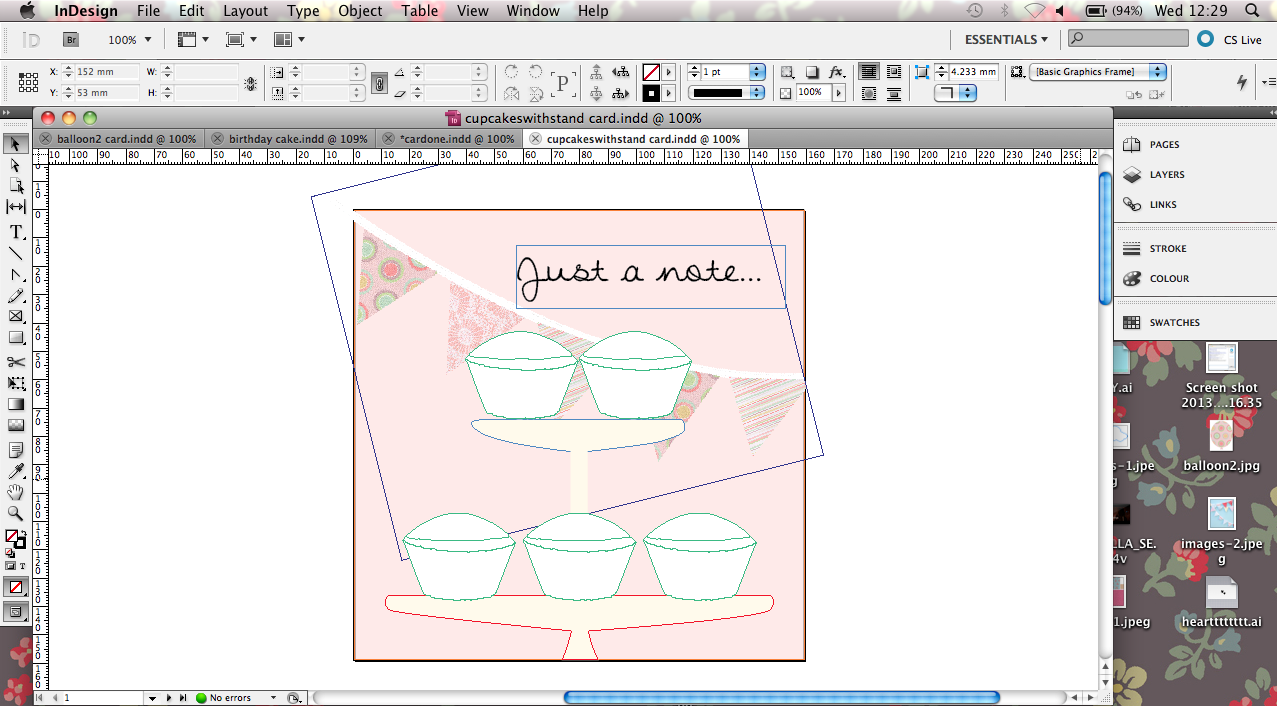

The first thing that I was create a new document, I chose to have 4 pages so that I could show the front and inside and changed the size so that it was 159mm x 159mm. With this card I made a square and made it pink. I then went on to do 'File', 'Place' and put in all the images that I wanted for the front of the card and then moving on to do the same for the inside of the card. On the left page, I made it so that the cupcakes were white as this was to show it be cut out, I also did the same on the front of the card.

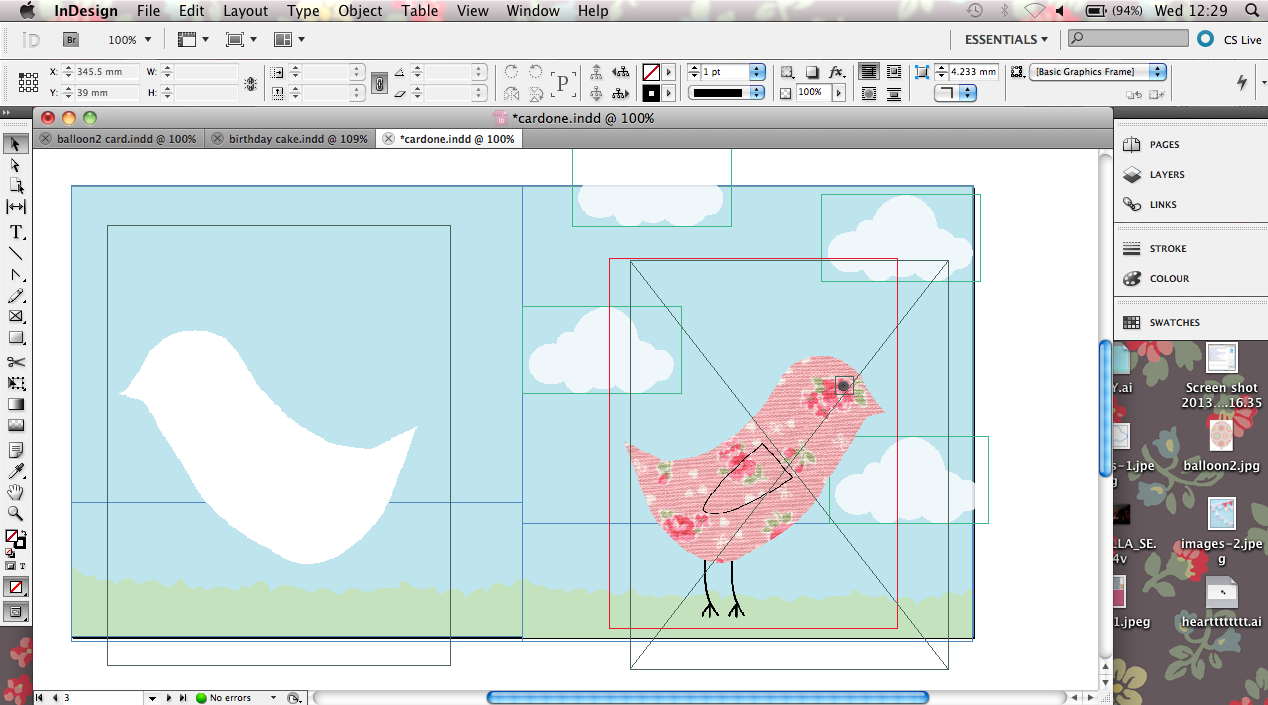
The first thing that I was create a new document, I chose to have 4 pages so that I could show the front and inside and changed the size so that it was 159mm x 159mm. With this card I made a square and made it blue. I then went on to do 'File', 'Place' and put in all the images that I wanted for the front of the card and then moving on to do the same for the inside of the card. I made the clouds for this card separately in Photoshop. On the left page, I made it so that the bird was white as this was to show it be cut out, I also did the same on the front of the card.


The first thing that I was create a new document, I chose to have 4 pages so that I could show the front and inside and changed the size so that it was 159mm x 159mm. With this card I made a square and made it light blue. I then went on to do 'File', 'Place' and put in all the images that I wanted for the front of the card and then moving on to do the same for the inside of the card. On the left page, I made it so that the candles were white as this was to show it be cut out, I also did the same on the front of the card.


I made the cake and flame for this card in Photoshop, I made these separately as they didn't have any material or patterns in them.
Birthday Card - Balloon


The first thing that I was create a new document, I chose to have 4 pages so that I could show the front and inside and changed the size so that it was 159mm x 159mm. With this card I made a square and made it blue. I then went on to do 'File', 'Place' and put in all the images that I wanted for the front of the card and then moving on to do the same for the inside of the card. I made the clouds for this card separately in Photoshop. On the left page, I made it so that the balloons were white as this was to show it be cut out, I also did the same on the front of the card.


